Tesla update 2026.44.1 started reaching cars on Tuesday, November 17, and it’s a small one. The official release notes add one new everyday feature, a cleaner Supercharger map, plus security fixes. But owners who’ve installed it are finding a redesigned Service menu that isn’t in the notes, and a look inside the code turned up a few features that could matter more, like an alert when Supercharger prices change while you’re driving to one.
Here’s what’s actually in the update, which cars get which parts, and what’s only hinted at so far.
Tesla Update 2026.44.1 at a Glance
| Feature | Status | Which cars |
|---|---|---|
| Charger Network View (Supercharger pins group together on the map) | In the release notes | Model S, 3, X, Y and Cybertruck |
| Security fixes and improvements | In the release notes | All models |
| Redesigned Service menu (Maintenance and Actions tabs) | Live, but not in the notes | Seen by owners after installing |
| “AI Computer” renamed “SI Computer” | Live, name change only | Shown under Controls > Software |
| Automatic Collision Evasion | Listed again, not new | HW4 cars with FSD (Supervised) |
| FSD (Supervised) v14.3.13 | Listed again, not new | HW4 cars |
| Supercharger price-change alerts, “prioritize major roads” route option, Grok chat history | Found in the code only | Not confirmed for any car yet |
The New Charger Network View
This is the headline change. Until now, zooming out on the in-car map turned busy areas into a mess of overlapping Supercharger pins. With 2026.44.1, nearby chargers cluster into a single pin with a number on it. Zoom out and you get a clean picture of where Tesla’s network is. Zoom in and the clusters split back into individual sites.
It sounds minor, but the timing is good. Thanksgiving road trips start next week, and a quick look at charger coverage along a route is exactly what this helps with. Not a Tesla App says the change reaches every model, including older Model S and Model X cars and cars with either the Intel or AMD infotainment computer.
A Cleaner Service Menu (Not in the Release Notes)
The bigger visual change is one Tesla didn’t mention. The Service screen under Controls used to be dominated by a large picture of the car with tire pressures. That picture is now smaller, and the menu is split into two tabs:
- Maintenance: tire pressures, recommended maintenance, battery health details and the Maintenance Summary Tesla added earlier for tracking service intervals.
- Actions: the things owners actually tap, such as Car Wash Mode, Wiper Service Mode, camera previews and headlight adjustment.
Nothing was removed. It’s just easier to find Car Wash Mode before you pull into the tunnel.
One more small change. Tesla now calls the self-driving computer the “SI Computer” instead of the “AI Computer” in the Additional Vehicle Information screen. It’s a rename only, and the hardware in your car hasn’t changed.
What Was Found in the Code
Tesla software researcher Green (greentheonly on X) went through the update and found references to several features that aren’t switched on for everyone, or aren’t switched on yet. Treat these as possible, not promised:
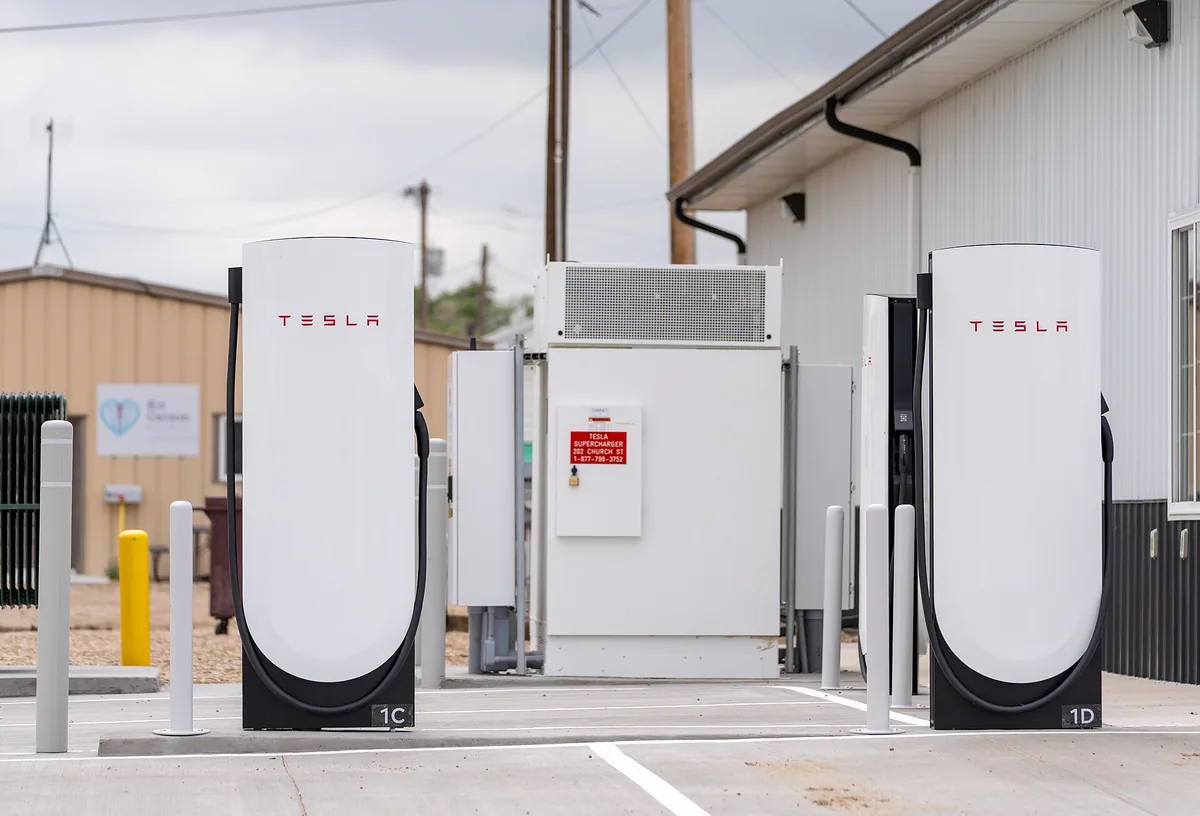
- Supercharger price alerts: the car would tell you if the price at the Supercharger you’re heading to goes up or down while you’re on the way. This matters more now that Tesla has moved to demand-based Supercharger pricing instead of simple peak and off-peak rates.
- Home charging with Powerwall: changes to the optimized smart charging schedule for owners who charge from a Powerwall.
- Preconditioning and queues: tweaks to battery preconditioning and to the virtual Supercharger queue Tesla has been testing at busy sites.
- A new route option: a “prioritize major roads” setting next to the current avoid-highways and avoid-tolls choices. It should steer you away from small streets and gravel roads.
- Grok upgrades: in-car Grok conversations that show up in the Grok phone app and on the web if you’re signed in, plus a new on-device wake word system for “Hey Grok.”
- Under the hood: a much newer Linux kernel, from version 5.4 to 6.18.
Tesla has said nothing about when, or whether, these will reach cars. Some could show up in the holiday update.
Automatic Collision Evasion and FSD v14.3.13 Aren’t New
The release notes also list Automatic Collision Evasion and FSD (Supervised) v14.3.13, which has led some owners to think they’re new. They aren’t. Collision Evasion first shipped with FSD v14.3.9 in September and reached many more cars with the 2026.38.5 updates this fall. TeslaNorth notes v14.3.13 has been reaching HW4 cars since October.
If you haven’t used it yet, here’s how Collision Evasion works. While you drive manually, the car can switch on FSD (Supervised) by itself if it thinks you’ve stopped paying attention, for example when you reach into the back seat, or if it decides you turned FSD off by accident. Earlier release notes say it can also steer around an imminent frontal crash on a controlled-access highway when braking alone won’t be enough. It only works between about 22.5 and 85 mph. You need a car with HW4, an active FSD purchase or subscription, and both FSD (Supervised) and Automatic Emergency Braking turned on. To take back control you need a firm turn of the wheel, because light brake taps won’t cancel it.
That matters if you’re weighing an FSD subscription, or if your insurer offers a discount for FSD miles. We covered that in our look at Lemonade’s FSD insurance.
What HW3 Owners Get
If your Model 3 or Model Y has the older HW3 computer, 2026.44.1 brings the new charger map, the Service menu and the security fixes. It doesn’t change FSD for you. HW3 cars got FSD v14.3 Lite with the 2026.38.5 updates this fall, and Collision Evasion remains HW4 only. That 2026.38.5.1 release was also the one that some owners said broke their third-party V2L adapters, so it’s worth reading the notes before you install any update if you rely on accessories.
When Will You Get Tesla Update 2026.44.1?
It’s early. TeslaFi, which tracks a slice of the fleet, showed about 291 cars on 2026.44.1 on Wednesday morning, or roughly 2.4% of the cars it tracks. Tesla usually sends updates in waves, so most owners should see it over the next week or two.
If you want it sooner, go to Controls > Software and set the update preference to Advanced. That puts your car higher in the line for new releases, though it doesn’t guarantee anything. Connecting the car to Wi-Fi at home also helps it download.
This Isn’t the Holiday Update
Tesla hasn’t announced its 2026 holiday update yet. Not a Tesla App describes 2026.44.1 as a light release ahead of next month’s big holiday update, and last year’s holiday update arrived in early December. Tesla has been busy elsewhere, too. Musk says owner cars could start joining Robotaxi trials next month, and we’re tracking the rest of the 2027 lineup in what’s coming for Tesla in Q1 2027.
Bottom line: install 2026.44.1 when it arrives. You get a better charger map and a tidier Service menu, and nothing about how your car drives changes. The more interesting bits, like Supercharger price alerts, will have to wait.
Sources
- Not a Tesla App: Tesla update 2026.44.1 release notes and TeslaFi rollout stats
- Not a Tesla App: 2026.44.1 brings redesigned Service menu and improved charging views (Nov. 17, 2026)
- Not a Tesla App: features found in the 2026.44.1 code by Green (Nov. 17, 2026)
- TeslaNorth: Tesla 2026.44.1 rolls out with a cleaner charging map (Nov. 17, 2026)